MCP in executive search: when your AI works directly in your CRM
With MCP, your AI assistant works directly in the records of your ATS/CRM instead of just returning text. A pilot example, six use cases and how control and confidentiality are preserved.
 David BaumannFounder, Nexus Search
In short
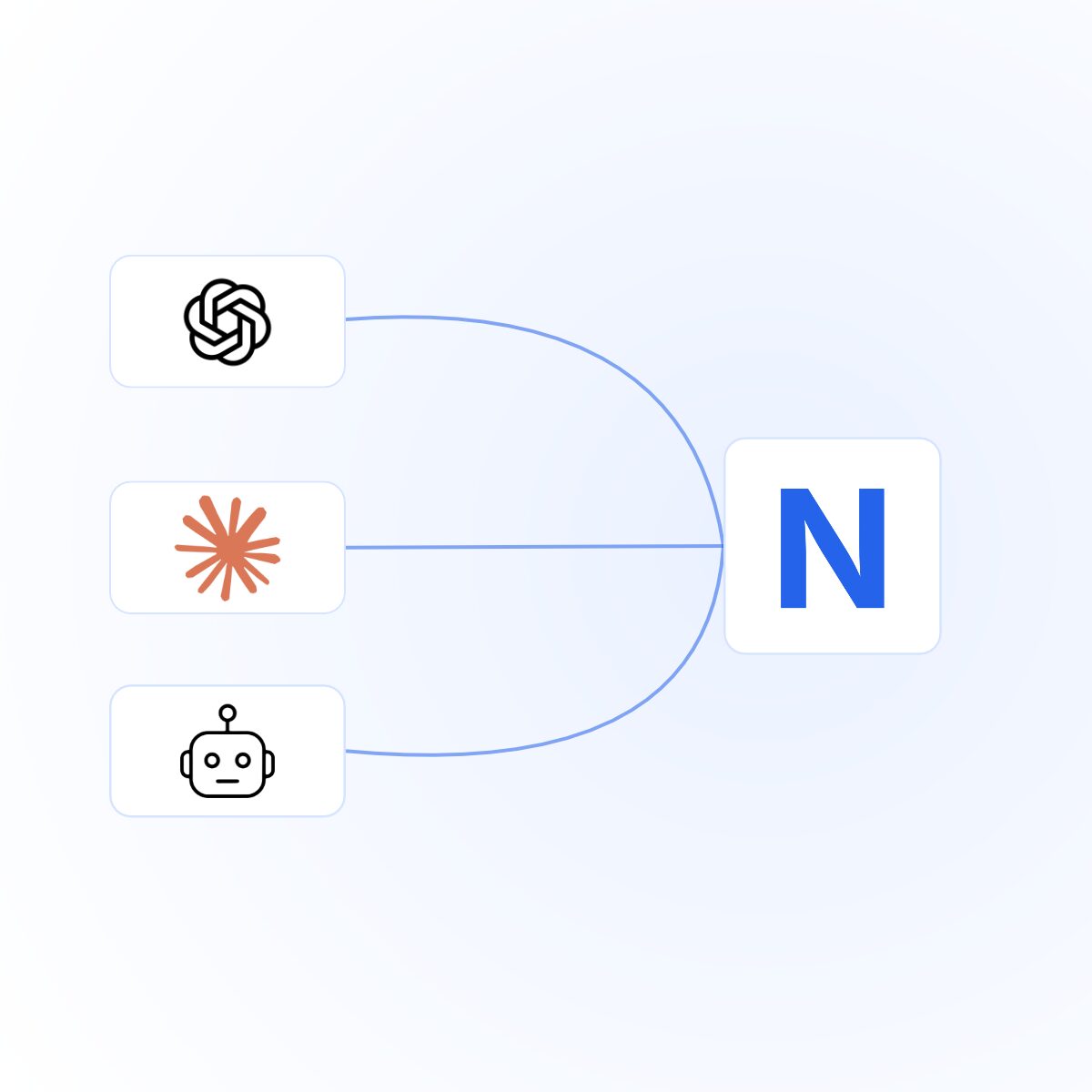
MCP (Model Context Protocol) connects AI assistants like Claude or ChatGPT directly to Nexus. Instead of retyping research results, the AI creates companies, contacts and tasks once you approve them – always with exactly the permissions of your own user account.
MCP turns AI into an active part of your organization: it works directly in the records of your ATS/CRM instead of delivering results as text that someone then has to retype.
The problem: research ends in copy-and-paste
Almost every recruiting and search firm now uses AI for research, drafts and analysis. The result sits in a chat window, and someone has to transfer it into the CRM by hand: create companies, add contacts, write notes and tasks.
In conversations with firms, we keep hearing that exactly this admin work slows them down. Consultants want to spend more time in the market and less time maintaining data and documents. An AI that only produces text solves just half of the problem.
MCP in three sentences
MCP stands for Model Context Protocol, an open standard that lets AI assistants like Claude or ChatGPT talk to external systems. An MCP server provides clearly defined tools for this: read, create and update records, store documents, create tasks.
For you, this means: you connect your assistant to Nexus once, and from then on it works directly in your workspace, with exactly the permissions your own user account has. Learn more on our AI Connect page.
Pilot example: new-client research on autopilot, with review
A Nexus pilot customer defined a skill in Claude – a reusable set of instructions. The skill regularly researches relevant clients and prospects in the customer's industry. This way, the customer has so far researched more than 700 accounts and had them created in Nexus. The workflow:
- The skill runs on a recurring schedule and looks for matching companies and contacts in the target industry.
- The consultant reviews the suggestions and decides which records make sense.
- Claude creates the approved records directly in Nexus via MCP, as companies and contacts.
- Follow-up tasks are created automatically for each new record and can be assigned to a colleague in the workspace.
What matters: the machine does the legwork, the human stays the decision-maker in the review step. There is no break between research and CRM, and no prospect gets lost because a follow-up task was missing.
What search firms tell us
The pilot customer is not an isolated case. In conversations with recruiting firms and executive search houses, the same wishes come up again and again, roughly:
- Less back office, more market. The role of research is changing; consultants don't want to spend their time on data and documents.
- New clients from job postings. One firm wants to find interesting clients based on current job postings on career sites and have them in the CRM right away.
- Target list in, matching hits out. A boutique wants to upload lists and have the AI search all channels for matching companies and candidates.
- Your own methodology as a tool. An executive search house asked whether its own competency models and frameworks could become tools for an agent. MCP had already come up there.
- Fewer tools, fewer interfaces. Connecting ever more tools is laborious, integration costs rise, and data protection gets more complicated with every additional system.
- Confidentiality and traceability. Where is the data stored, and which decisions does the AI make on what basis? GDPR and the EU AI Act are on every checklist.
MCP answers the integration effort with a standard instead of a one-off solution per tool. We address confidentiality and control further below.
Six more use cases for search, executive search and recruiting
The pilot customer's pattern applies to many situations. These six scenarios can be implemented with Nexus's current MCP tools.
- Market monitoring via job postings. The assistant analyzes career sites and postings in a target industry, suggests companies currently hiring leaders and, after your approval, creates companies, contacts and follow-ups in Nexus.
- Briefing and call follow-up. From the recording and transcript of an initial call, the assistant creates notes, requirements and next steps and stores them on the right client or project, including tasks for the team.
- Exposé and candidate profile. The assistant reads a candidate's communication history and documents and drafts a short profile for the client. An externally created project exposé can be attached to the project via MCP and becomes searchable there.
- Pipeline check in conversation. You ask: "Where does my search stand?" The assistant summarizes the pipeline's status and bottlenecks and moves candidates to the next stage once you explicitly confirm.
- Questions to your data in plain language. How many candidates do we have in Munich? Who lives within 30 minutes of the client's office? The assistant counts, groups and ranks by travel time without anyone clicking filters.
- Your own methodology as a skill. Scoring rubrics, interview guides or competency models of your firm can be stored as skills in Nexus. MCP assistants recognize from the description when a skill fits and load it as needed. That way the AI works according to your process, not a generic one.
Control and confidentiality: what the assistant may and may not do
In executive search, confidentiality is the business model. That's why the connection is built so the assistant can never do more than you can:
- Individual sign-in. Each user connects individually via OAuth 2.1, selects the workspace and grants access explicitly.
- Same permissions as in the web app. The assistant only sees and changes what your role allows. Data from other workspaces stays invisible.
- Confirmation for pipeline write actions. Assigning candidates or moving them to another stage only happens after explicit confirmation and is logged.
- Revocable at any time. Under Settings, Extensions, MCP you disconnect with one click. Access ends immediately.
An honest note belongs here: whatever the assistant reads is processed by the AI provider you use. Review that provider's data processing agreement and privacy settings as carefully as you would for any other service provider.
How to get started
- In Nexus, open Settings, Extensions, MCP and copy the connector URL.
- In Claude Desktop or ChatGPT, add a custom connector and enter the URL.
- Sign in, choose your workspace and allow access.
- Define your first skill, for example the recurring research from the pilot example, and build in a review step before anything lands in Nexus.
The technical details are described in the Nexus MCP documentation.
If you'd like to see what such a skill could look like for your firm, get in touch. We're happy to build the first one together with you. You'll find all plans on our pricing page.
- MCP
- AI
- CRM
- Recruiting
- Executive Search